Your calendar in 5 simple steps
No design skills, no complicated software. Just your photos, your family's dates, and 10 minutes.
Add family members
Enter names and birthdays for everyone in your family. Each person's photo automatically appears on their birthday month — no manual layout needed.


- Unlimited family members
- Birthdays auto-placed on the right month
- Add anniversaries and special dates too
Upload photos
Drag and drop your favorite family photos. They're automatically cropped to fit the calendar's landscape format — no editing needed.


- Drag & drop or click to upload
- Auto-crop to perfect calendar size
- Assign photos to specific months
Choose an AI style (optional)
Transform your photos into art. Pick from Yellow Cartoon, Anime, Storybook Anime, Watercolor, Oil Painting, and more — or keep your photos as-is.




- 8+ AI art styles to choose from
- Apply to all or individual photos
- Toggle between original and stylized
Pick a theme
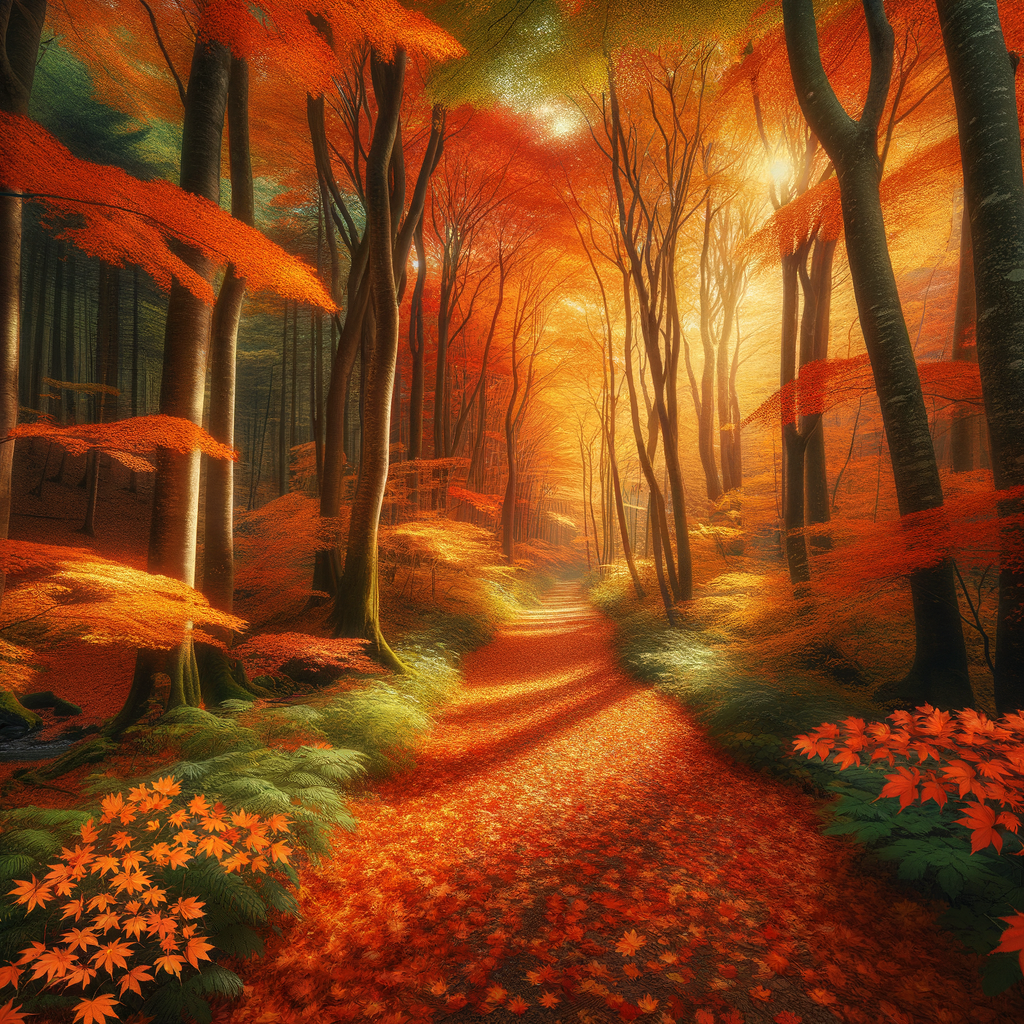
Describe the look you want in plain English — "cozy autumn vibes" or "beach sunset colors" — and the AI generates matching colors, fonts, and styling.


- AI-generated from your description
- Custom colors, fonts, and layout
- Preview before you commit
Download or print
Get a high-resolution PDF ready for any printer. Print at home, at a local shop, or order professional prints shipped to your door.

- Print-ready PDF download (free)
- Professional print ordering available
- 11" x 8.5" standard wall calendar size
Most families finish on their first try
No back-and-forth, no learning curve. The wizard walks you through everything — just upload, pick, and download.